Load Meter / Power Meter — STL → Fusion
Taking a 3D-print STL of a DIY power-meter enclosure and turning it into the most usable Fusion 360 file possible — importing the mesh, then converting it to an exact solid.
Source: RP Hobbyist's "Load Meter / Power Meter" on Printables (thanks!) — the Main Body STL, a 6,856-triangle mesh of the enclosure (the box with the LCD cutout and the embossed "LOAD METER" text).
v1mesh → exact solid (Tier 2)
Imported the STL as a mesh body, then ran Convert Mesh (Prismatic, parametric) to turn it into a true watertight BRep solid — geometry-exact, 189 cm³, 130 × 160 × 50 mm. Every detail is preserved, including the display cutout and the raised text. The trade-off: it's one face per triangle (6,856 faces), so it's faithful but heavy — great as a reference or to print/modify by cutting, not a clean part to push-pull edit.
130 × 160 × 50 mm
189 cm³
watertight solid
6,856 faces
exact geometry
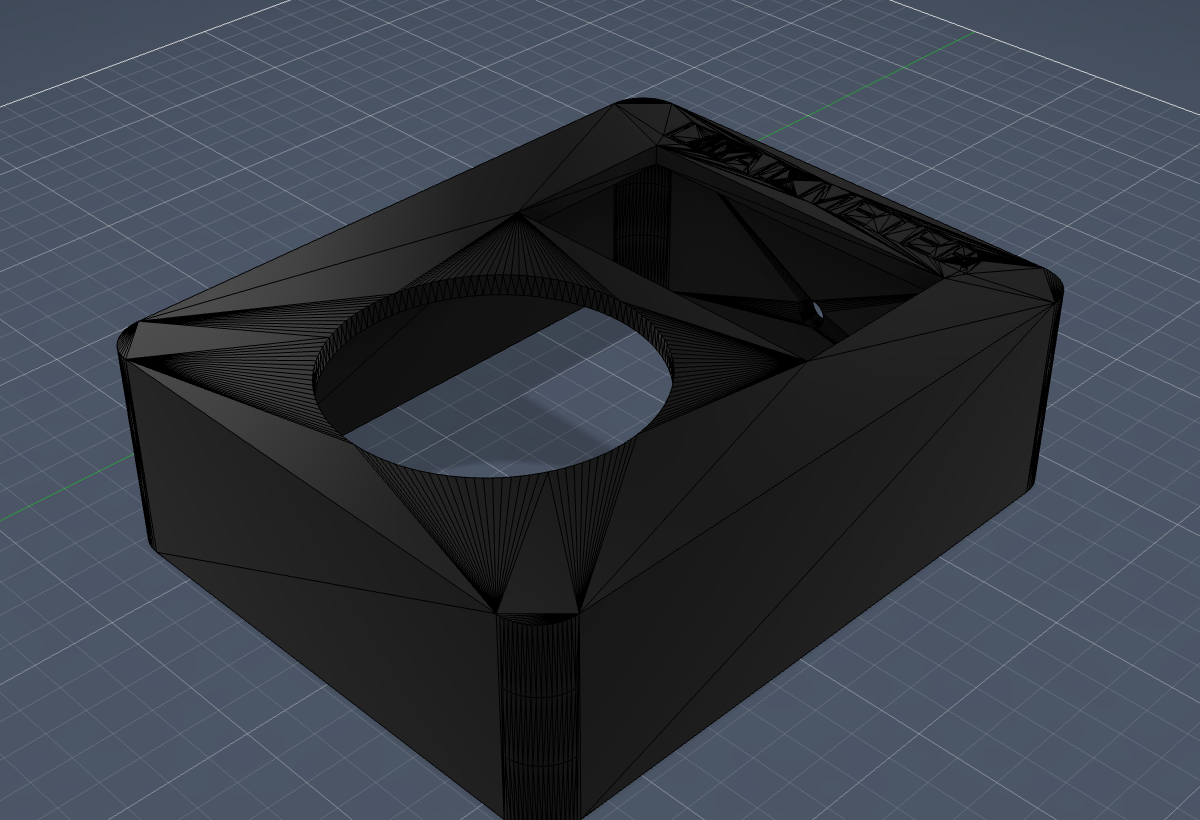
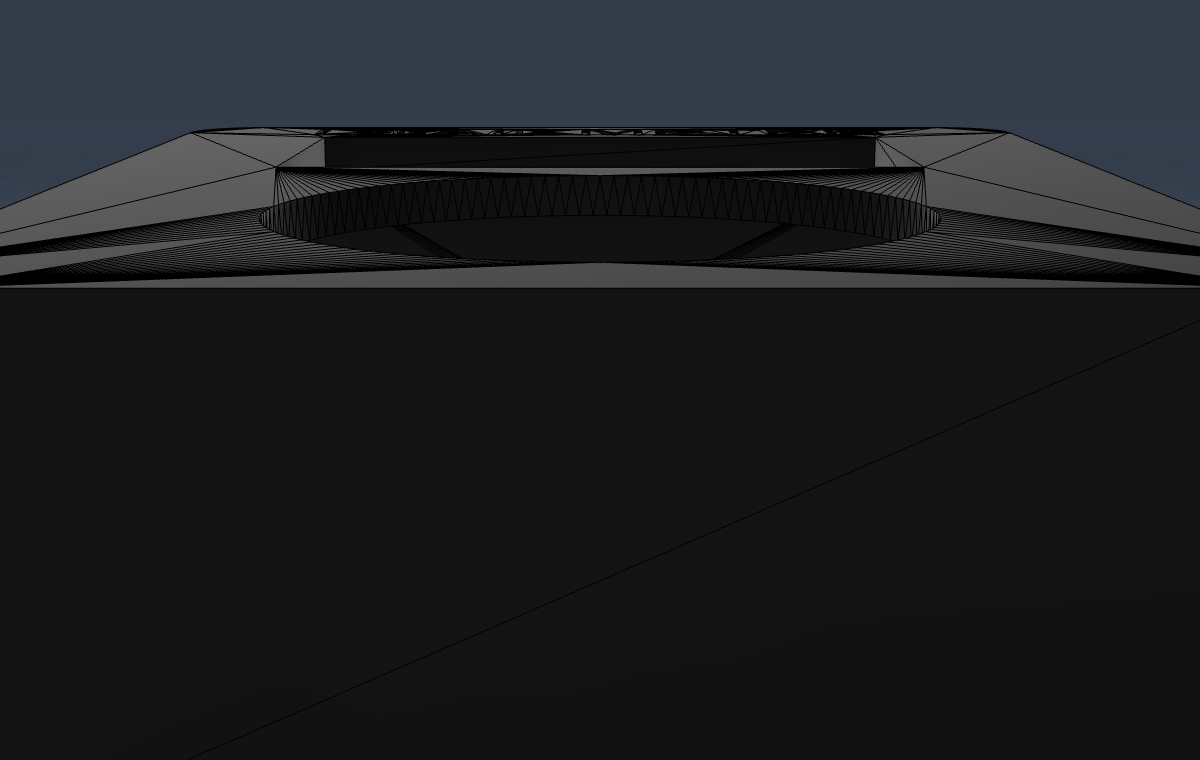
The enclosure as an exact solid — display cutout + embossed text intact. The triangle faceting is the STL's tessellation, carried into the solid exactly.
Where it landed, and what's next. The conversion ladder goes: mesh-as-is → exact solid → clean re-modeled parametric. This reached the exact solid rung — faithful to the print, openable in Fusion. The top rung (a clean, fully-editable parametric box you can resize and re-feature) isn't reachable by conversion — a mesh has thrown away the design intent — so it would mean re-modeling the box from scratch using this solid as a measured reference. Worth doing only if you want to edit it; say the word.