As Close to Mind-to-Mind as CAD Gets
For months I've let an AI agent drive Fusion 360 — it writes the modeling steps, I supply the references and the corrections (the five-parts story is here). It works well enough that I went shopping for something that might work better: a way to let the AI build parts faster, with less of the fuss of running a big desktop program. I found one, tested it, and decided to stay exactly where I was. This is why.
- I tested "code-CAD" — describing a part purely in code, with no CAD window open at all. The AI built a real part in minutes.
- On paper it beats my setup: nothing to babysit, runs many builds at once, free, no limits.
- The dealbreaker: there's no model to spin around and poke at. You get a file and a flat picture — no shared workspace.
- What I'd give up is the one thing that makes this feel like working with an engineer: Fusion's timeline — the editable history of every step.
- So I kept the friction. The timeline is the collaboration.
Where it started: a van
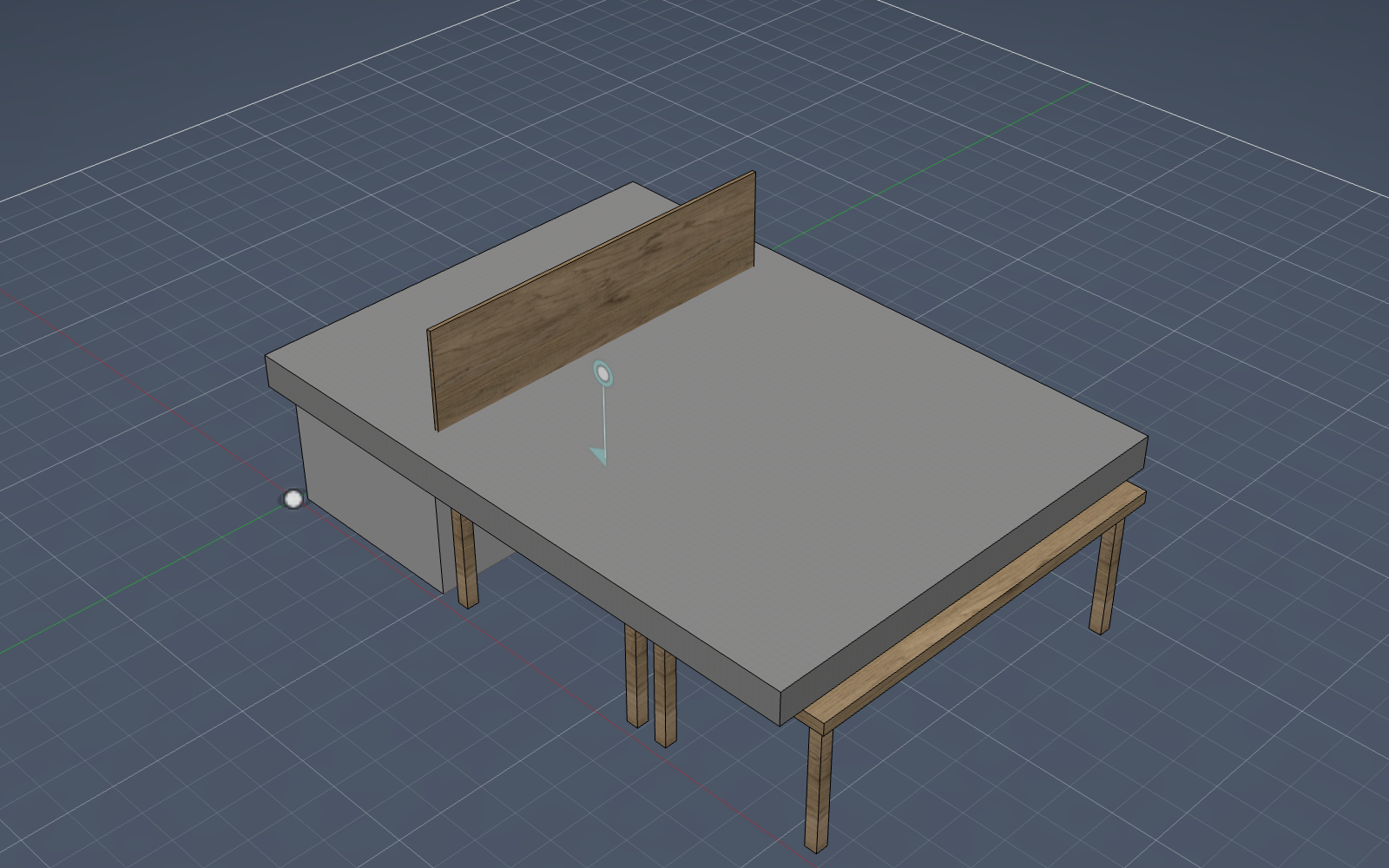
The first thing I ever had the AI build wasn't a practice cube — it was the 25-part removable deck for my Toyota Sienna camper. The test was blunt: could an AI hold a model that size together without it falling apart? It could. That's what made everything after it worth trying.
I went shopping for a faster loop
The AI-and-Fusion loop has real friction: Fusion has to be open, only one model can be driven at a time, and its cloud save is flaky. So I looked at code-CAD — tools where you describe a part entirely in code (I tested one called build123d) and the computer builds it with no window on screen at all ("headless"). The AI writes the code, the part pops out as a file and a picture.
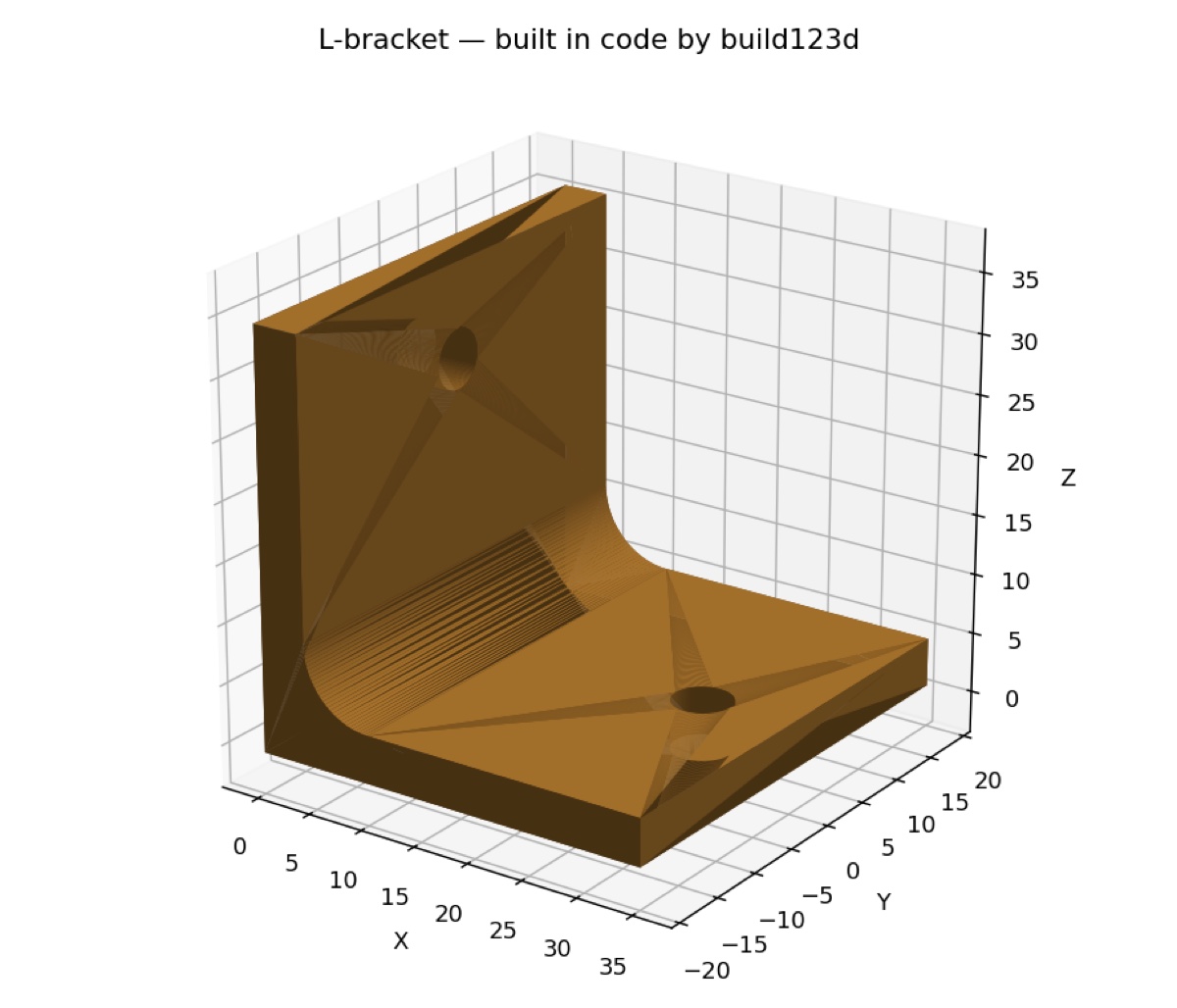
It absolutely works. In a few minutes the AI installed it and built this bracket from scratch — a real, printable solid with rounded edges and mounting holes, checked against its own measurements:
And on paper it wins. No app to babysit. You can run twenty builds in parallel instead of one. It's free, with none of Fusion's document limits or cloud-save flakiness.
Then I saw the catch
There's no model to walk around. Code-CAD hands you a file and a flat snapshot — there's no live 3D workspace to grab, spin, zoom into, and poke at while the AI works. For someone who isn't a programmer, that's not a small thing. The part exists, but I can't be in there with it.
The timeline is the killer feature
Fusion keeps a timeline — an editable, step-by-step history of how the part was built: this sketch, then that extrude, then this fillet. It's right there at the bottom of the screen the whole time. That timeline, it turns out, is the entire reason the AI feels like a colleague instead of a black box.
Code-CAD optimizes the wrong half of the loop. It makes the machine's side faster and cheaper. But the value was never the machine's speed — it was the shared room: watching the build happen, catching a wrong turn at the step it happened, and reaching in to nudge it. Take away the room and you've got a faster vending machine, not a collaborator.
What the shared room produces
Every one of these started as a real thing on the left and ended as editable CAD on the right — built in that timeline, with me watching and correcting along the way.
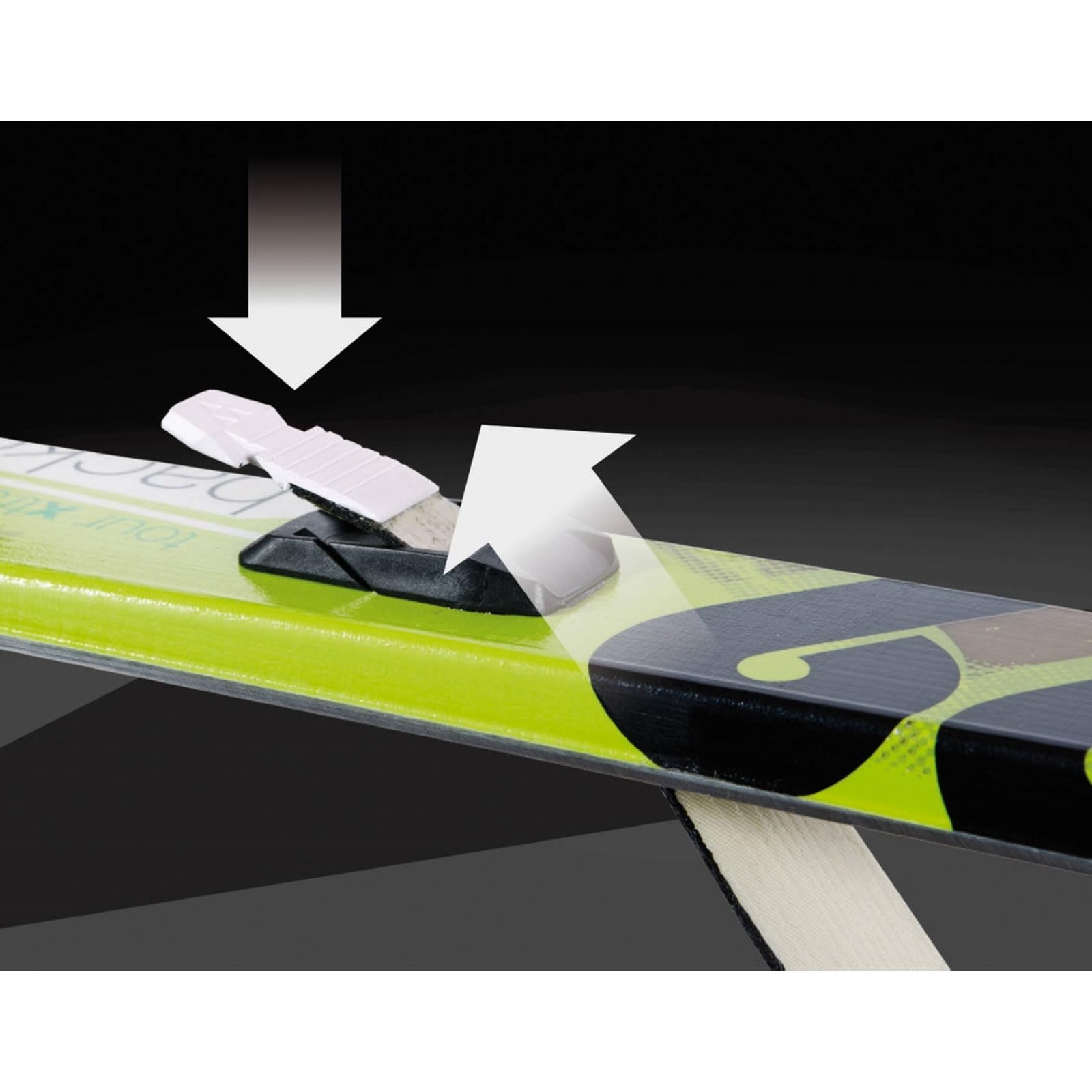
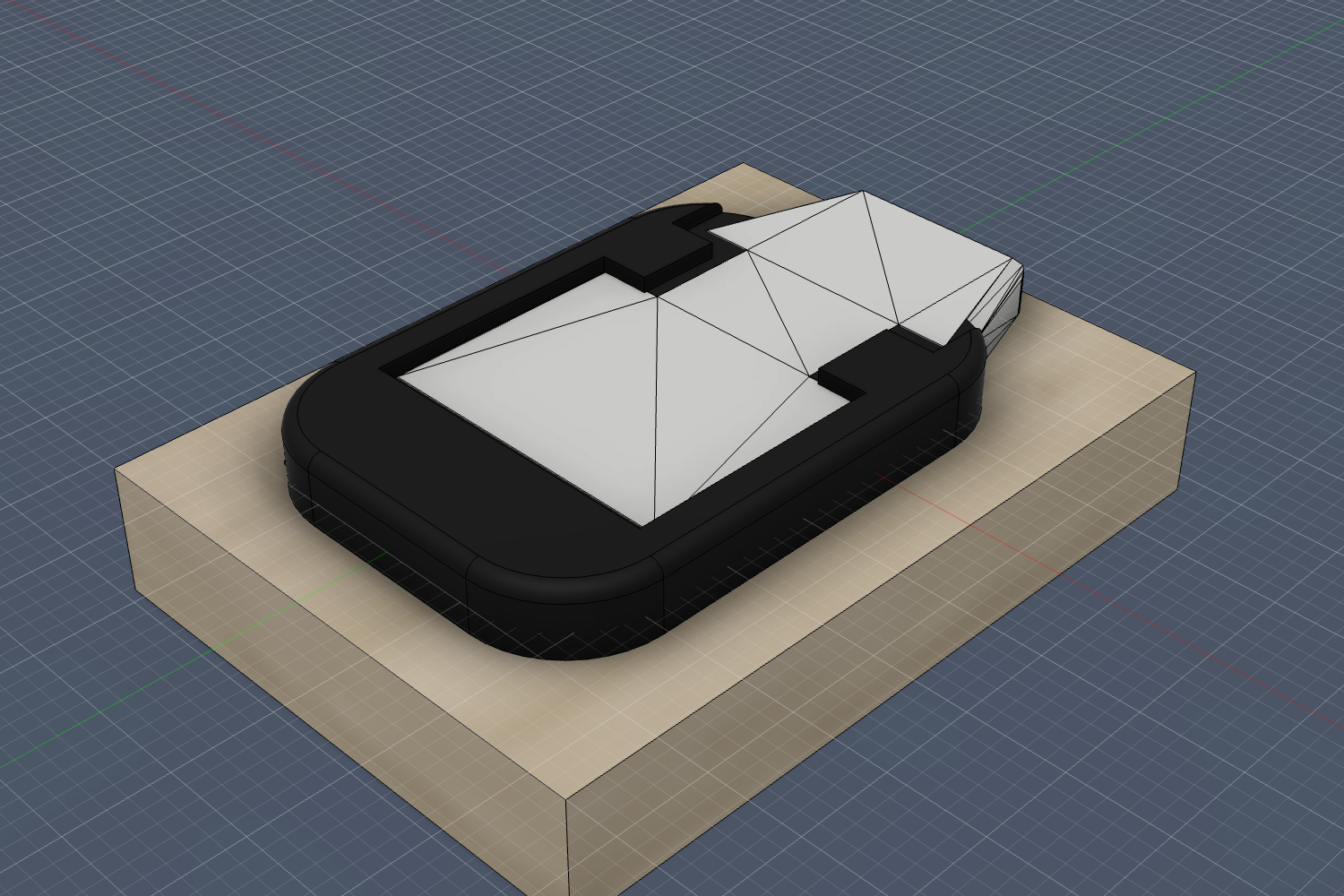
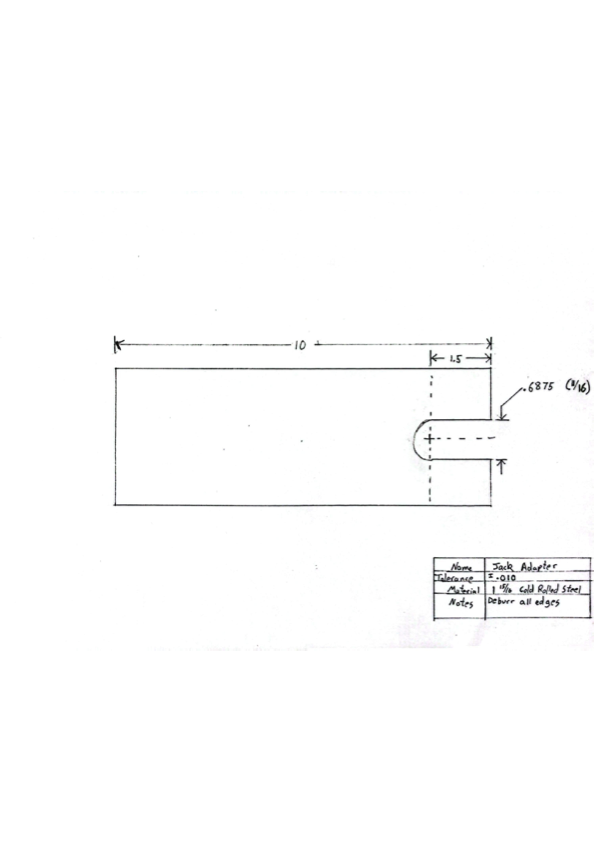
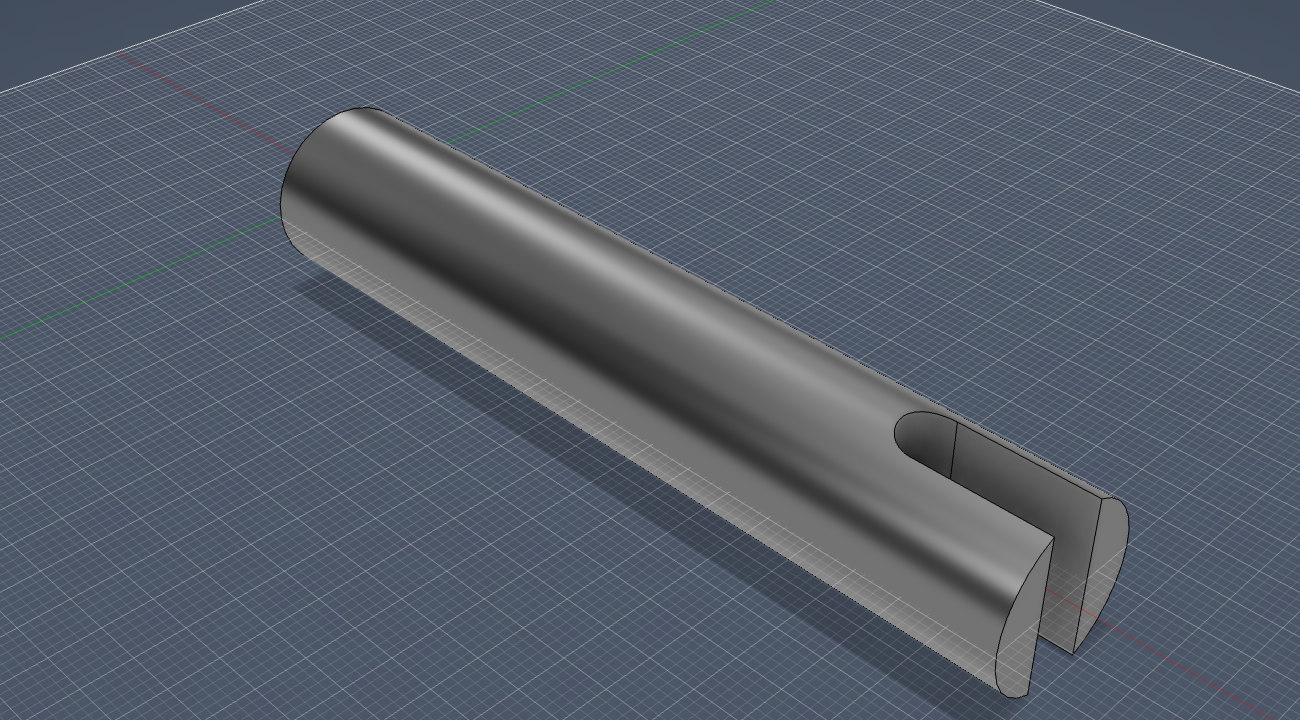
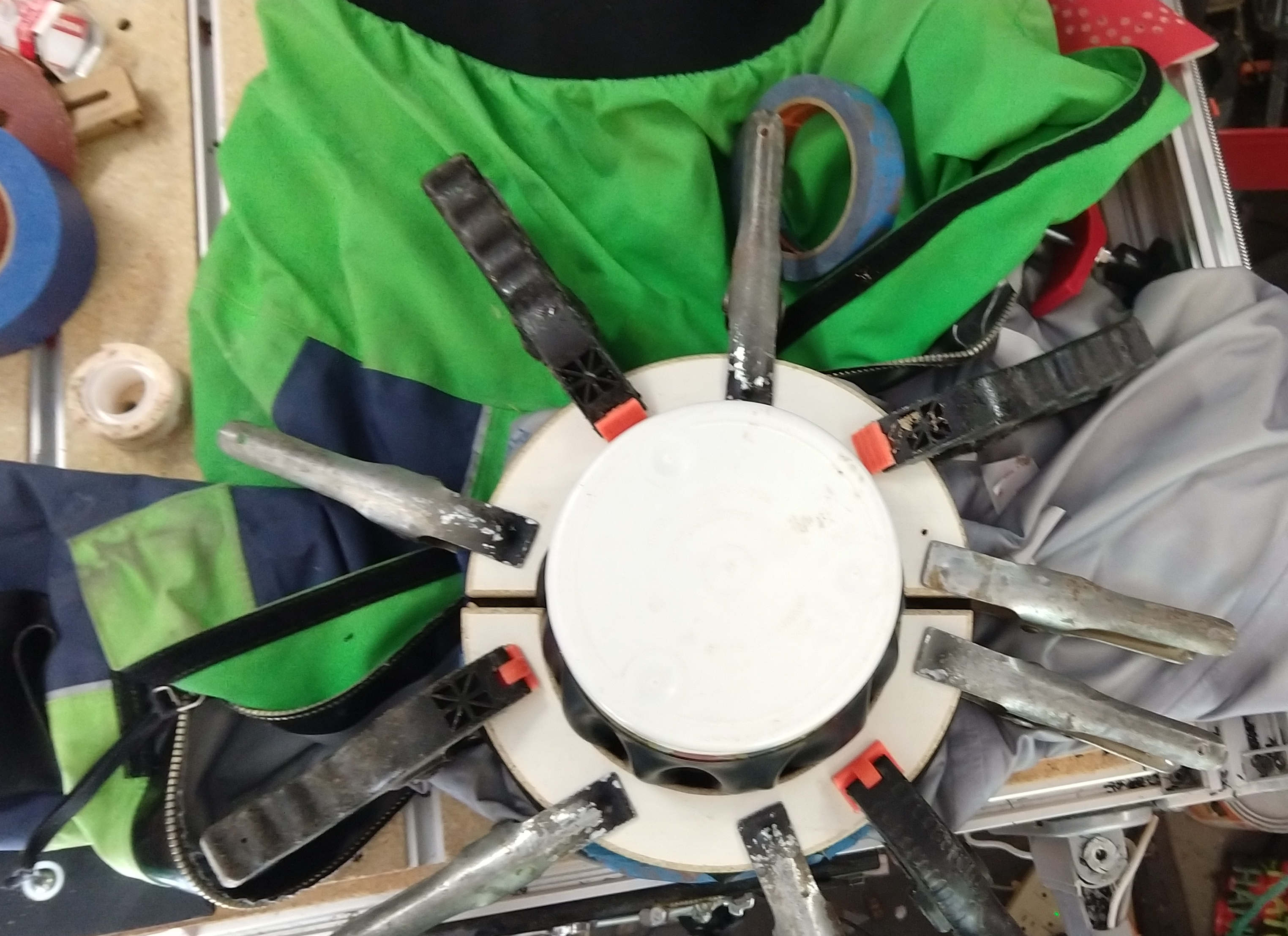
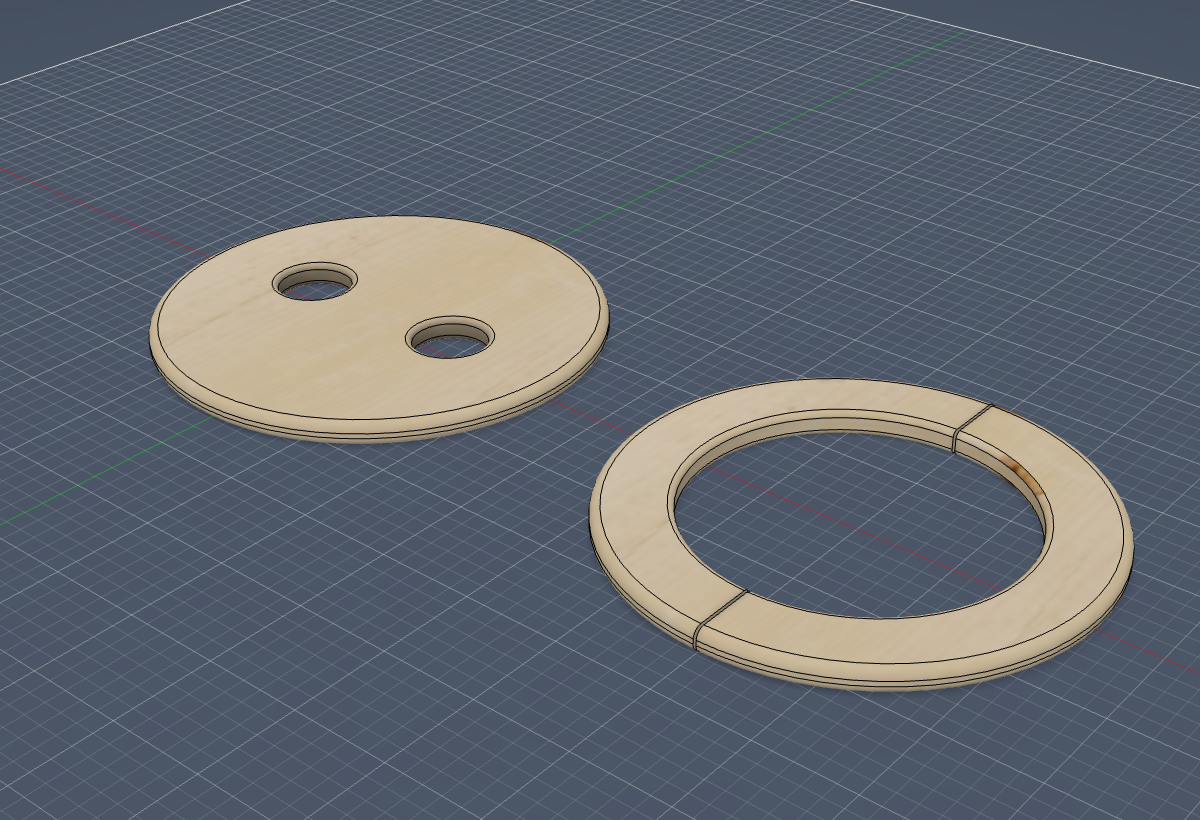
The full story of these — and the one lesson that decided how fast each went — is in Five Parts, One AI, and the Same Lesson Every Time.